
Home
Blog
Top Remote Troubleshooting Software 2026


by Techkooks
Published:
Remote troubleshooting software has become a must-have for IT teams and managed IT service providers in 2026, especially with the rise of distributed workforces. These tools allow technicians to fix and manage devices from anywhere, integrating advanced features like dashboards, scripting, and ticketing. Key platforms like Scalefusion, Splashtop, BeyondTrust, TeamViewer, GoTo Resolve, AnyDesk, and ConnectWise ScreenConnect stand out for their unique strengths.
Key Takeaways:
Security Features: End-to-end encryption, multi-factor authentication (MFA), and session logging are non-negotiable for safeguarding data.
Diagnostic Tools: Look for system information visibility, remote command execution, and automation capabilities to save time and reduce errors.
Ease of Use: Cross-platform support, simple session initiation, and scalability are critical for smooth operations.
Pricing Models: Options range from per-device to per-technician plans, with costs starting at $3/device or $10/technician per month (annual billing).
Quick Comparison:
Tool | Best For | Starting Price | Key Features |
|---|---|---|---|
Scalefusion | Large fleets, UEM integration | Quote-based | Remote scripting, policy enforcement |
Splashtop | High-performance sessions | ~$3/device/month | Multi-monitor, low-latency streaming |
BeyondTrust | Security-focused enterprises | Quote-based | RBAC, session logging, SSO |
TeamViewer | Mixed device environments | ~$24/technician/month | Remote printing, IoT support |
GoTo Resolve | SMBs with ticketing needs | ~$20–$30/technician | Built-in ticketing, patch management |
AnyDesk | Low-bandwidth connections | ~$10–$12/technician | Lightweight client, TLS encryption |
ConnectWise ScreenConnect | MSPs and large enterprises | Quote-based | Custom scripts, PSA integration |
Choosing the right tool depends on your team’s size, security needs, and workflow requirements. My name is Karim Karawia, I am the owner of Tech Kooks, and this evaluation is based on my real-world experience testing different tools for internal use at my MSP.
7 Best Remote Desktop Software in 2026
How to Evaluate Remote Troubleshooting Software
Choosing the right remote troubleshooting software means balancing security, functionality, ease of use, and cost. With advanced dashboards and integrated ticketing systems now standard, these factors are key to finding a solution that works. For IT managers and operations leaders in small and medium-sized businesses, the ideal platform should safeguard sensitive data, address issues quickly, scale as the business grows, and stay within budget. These considerations set the stage for evaluating the platforms discussed later.
Security and Access Control
Security is the cornerstone of any remote troubleshooting platform. Every remote session opens a potential entry point for unauthorized access, so robust security measures are a must.
Start with end-to-end encryption. Platforms using TLS or SSL encryption protect data in transit, keeping sensitive information safe during remote sessions.
Multi-factor authentication (MFA) adds another layer of defense. By requiring a secondary verification method - like a mobile app code, SMS, or hardware token - MFA minimizes the risk of unauthorized access, even if login credentials are compromised.
Access auditing and logging are equally important. These features track who accessed which systems, when, and what actions were taken. Detailed audit trails should include session start and end times, technician identity, target device, and any changes made during the session. Session recording, when available, can also aid in training and quality assurance while supporting compliance efforts.
For greater control, look for role-based access control (RBAC). This allows different permission levels based on technician roles. For instance, junior staff might only need viewing access, while senior technicians require full command-line functionality. Additional features like IP whitelisting and just-in-time access - which limits credential validity to short timeframes - further tighten security by reducing opportunities for misuse.
Diagnostic Tools and Automation
Top-tier remote troubleshooting software does more than screen sharing; it equips technicians with tools to diagnose and resolve issues faster.
System information visibility is a must. Platforms should provide instant access to hardware details, operating system info, installed applications, running services, CPU and memory usage, disk space, and network configurations. This eliminates the need for manual commands and speeds up problem identification.
Remote command execution is another key feature. Whether through PowerShell, Terminal, or shell access, technicians can troubleshoot directly by running diagnostics, restarting services, clearing caches, or modifying system settings - all without relying on graphical interfaces.
Scripting and automation capabilities streamline repetitive tasks like software updates, configuration adjustments, or diagnostic checks. By automating these processes, IT teams can reduce errors and focus on more complex challenges.
Automation can also enable proactive monitoring and real-time fixes. For example, the system might detect low disk space or outdated software and either apply fixes automatically or alert technicians before users even notice a problem.
Ease of Use and Scalability
Even the most advanced platform is ineffective if it’s difficult to use. Usability ensures high adoption rates among technicians and smooth experiences for end users.
Simple session initiation is crucial. Browser-based connections or lightweight agents are particularly helpful for ad-hoc support, avoiding lengthy installations that might confuse non-technical users.
Performance and reliability are equally important. The software should maintain stable connections over standard U.S. home and small-office internet setups, with minimal lag during screen sharing. Features like high-definition streaming and multi-monitor support can make sessions more productive by ensuring technicians see all necessary details.
Cross-platform compatibility is another factor to weigh. With many businesses operating across Windows, macOS, Linux, and mobile devices, the platform should seamlessly support all these systems from a single interface.
As your business grows, scalability becomes vital. The platform should handle more devices, users, and concurrent sessions without slowing down. Features like unattended access - where technicians can connect without user approval - are invaluable for after-hours maintenance and managing infrastructure devices.
Also, consider integration with ITSM tools. Platforms that integrate with ticketing systems like Jira or Freshservice allow technicians to start remote sessions directly from support tickets, log session details automatically, and track resolution times. This streamlines workflows and reduces manual data entry.
Pricing Models
Understanding pricing structures is key to finding software that fits your budget without surprises.
The two most common pricing models are per-technician and per-device. Per-technician plans, starting around $15 per month per technician, charge based on the number of support staff using the platform. Per-device plans, often a few dollars per device per month (when billed annually), charge based on the number of endpoints supported. Your choice depends on whether you have a large number of devices or a smaller team handling support.
Some vendors also offer concurrent-session licensing, where costs are tied to the number of simultaneous sessions. This model can save money if your team rarely needs multiple active sessions at the same time.
Many providers offer free trials, typically lasting 7 to 14 days. Use this time to test the software under real-world conditions and ensure it integrates well with your existing systems. Some platforms even include limited free tiers for small teams or personal use, which can be helpful for initial testing.
Look for transparent pricing listed in U.S. dollars on vendor websites. Be cautious of platforms that require extensive sales discussions to reveal costs, as this might signal complex pricing or aggressive upselling. Straightforward monthly or annual billing options are usually best, so confirm which features are included in each pricing tier to avoid unexpected add-ons.
For businesses with limited IT resources, partnering with managed service providers can be a smart move. These providers often bundle enterprise-grade remote troubleshooting tools with additional services like proactive monitoring, security management, and business continuity planning.
Best Remote Troubleshooting Software in 2026
Here’s a look at some of the top platforms that have earned their place as go-to solutions for remote troubleshooting in 2025. These tools are trusted by U.S. businesses for their performance, security, and feature-rich offerings, with each excelling in specific use cases.
1. Scalefusion Remote Cast and Control
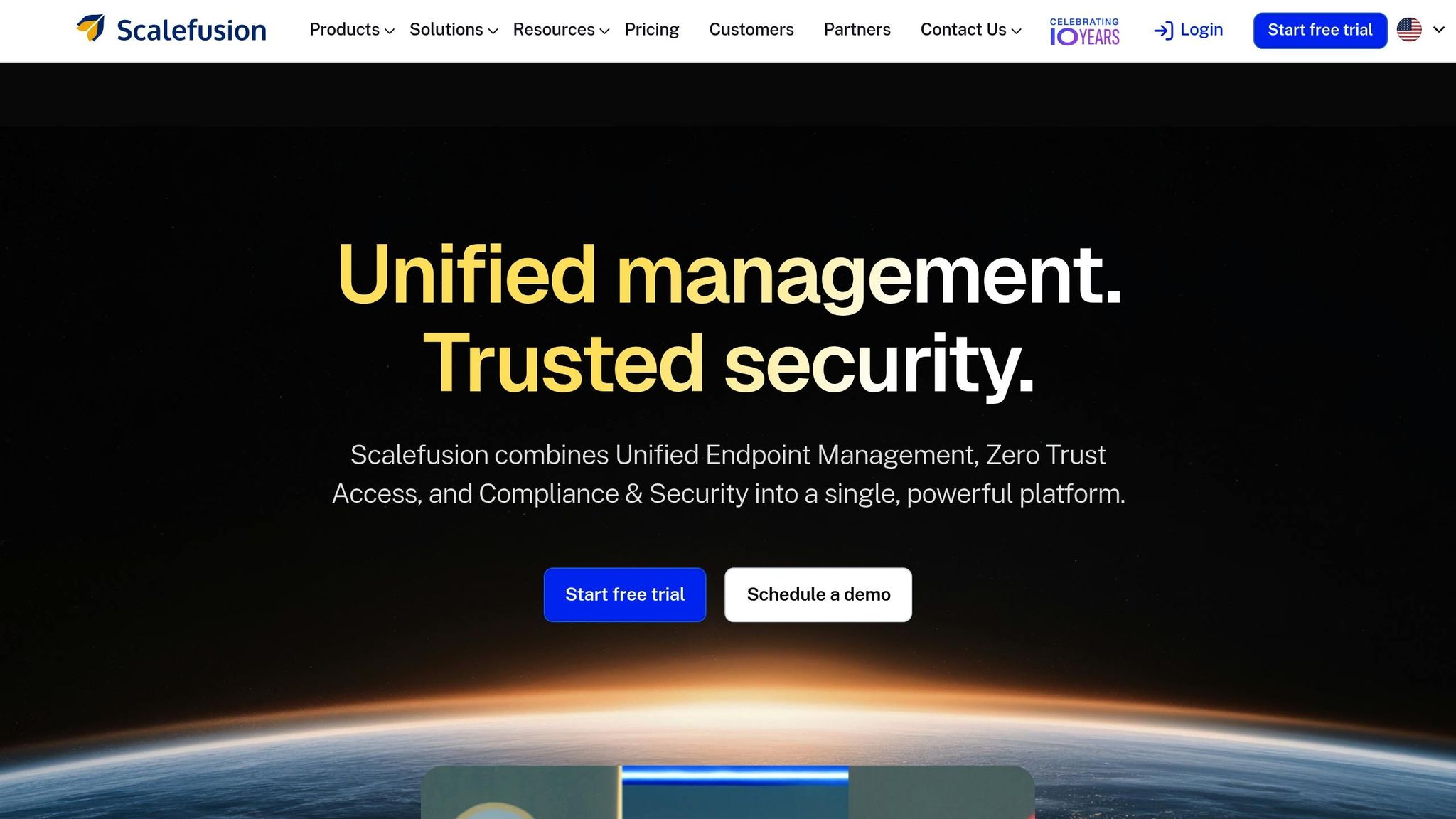
Ideal for managing large fleets of devices.
Scalefusion integrates remote troubleshooting into a unified endpoint management (UEM) platform, making it a standout choice for organizations overseeing thousands of devices across industries like logistics, retail, and field services. It supports smartphones, tablets, rugged devices, kiosks, and digital signage.
Key features include remote cast, full control, extensive diagnostics, and policy-based restrictions for entire device fleets. Technicians can deploy scripts and execute commands across multiple devices seamlessly. Pricing is based on a per-device-per-month model, with remote troubleshooting features included in higher-tier enterprise bundles. Discounts are often available for large fleets, and free trials allow businesses to test Scalefusion with their device setups.
2. Splashtop
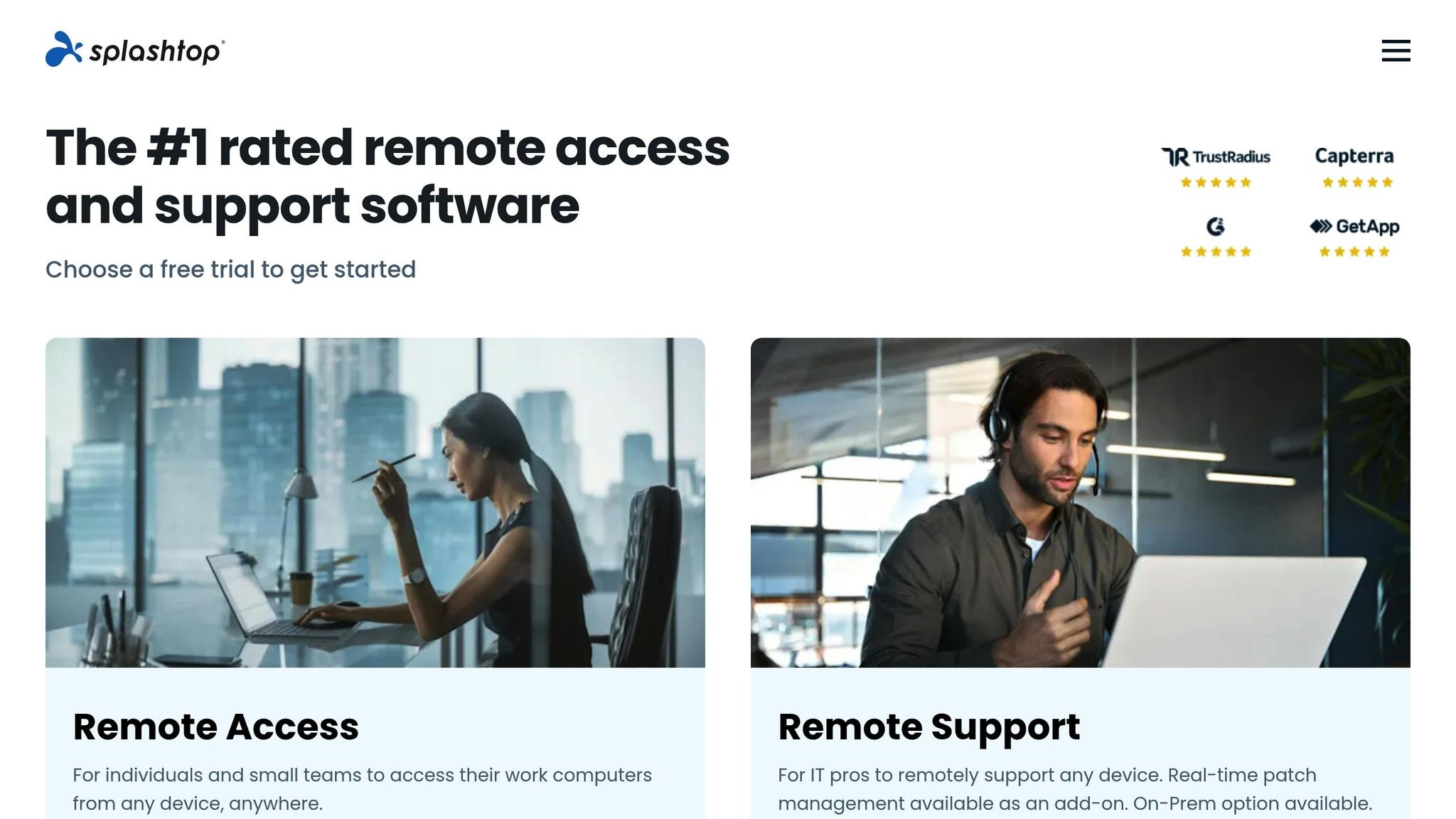
Best for high-performance sessions and multi-platform support.
Splashtop is designed for resource-intensive tasks like video editing, CAD applications, and other graphics-heavy workloads. It delivers smooth, low-latency streaming with high frame rates and supports Windows, macOS, Linux, iOS, Android, and Chromebooks - all from one interface. Features include multi-monitor support, file transfers, session recording, and Safe Mode reboots.
With a G2 rating of approximately 4.8 out of 5 in 2025, users praise its ease of use and session quality. Plans start around $3 per device per month (billed annually), with higher tiers for technicians managing multiple endpoints. Free trials let teams gauge performance with their specific workloads.
3. BeyondTrust Remote Support
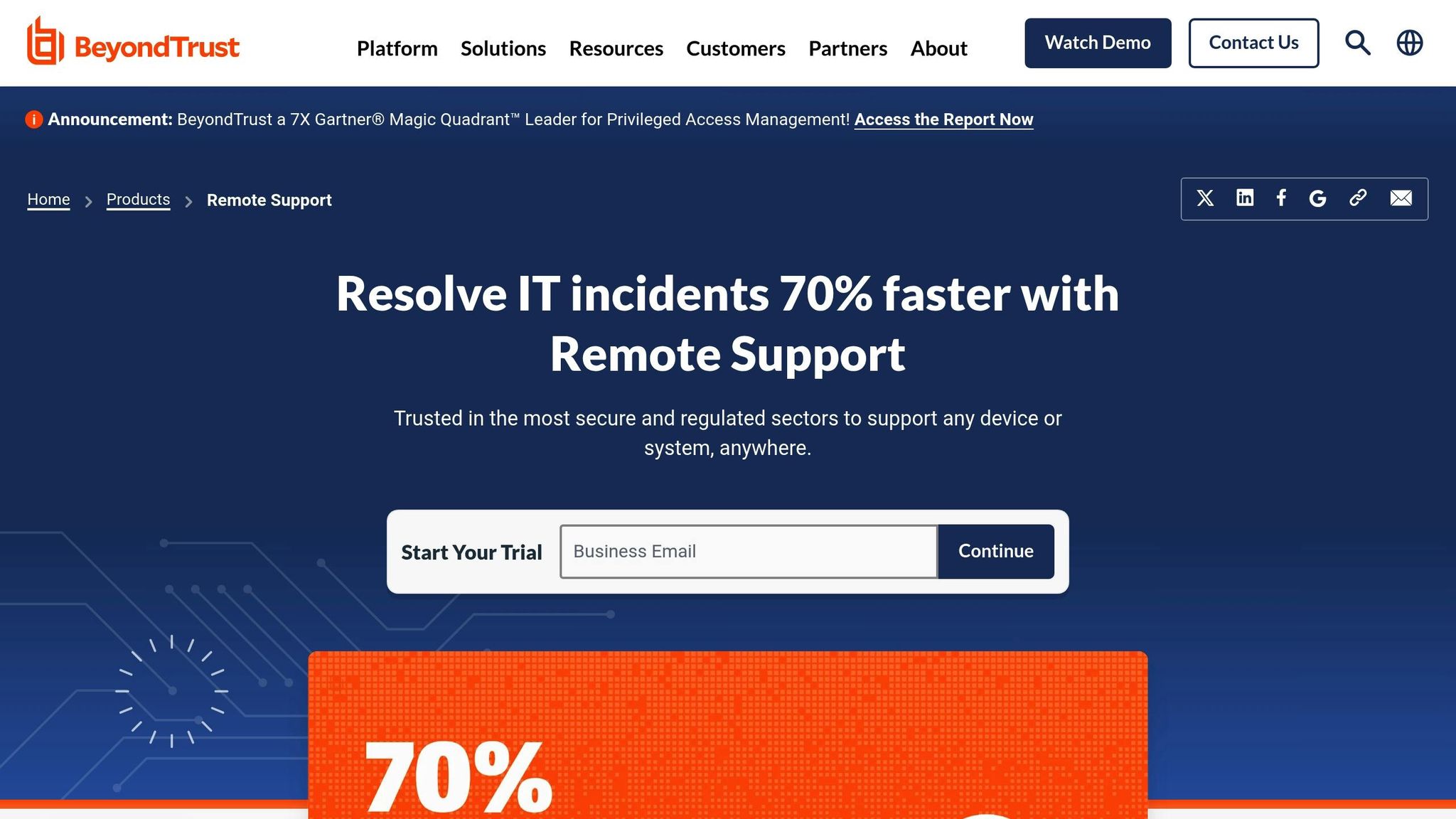
Tailored for security-conscious organizations.
BeyondTrust is built for enterprises in highly regulated sectors like healthcare, finance, and government. It emphasizes security with role-based access control, detailed session logging, video recordings for audits, and advanced authentication (SSO, MFA). Features like approval workflows and just-in-time access ensure credentials are tightly controlled.
The platform supports on-premises, private cloud, and SaaS deployment models, and holds a G2 rating near 4.7 out of 5. Pricing is customized based on organization size, deployment type, and required features, typically licensed by concurrent technician or endpoint. While costs are higher than SMB-focused tools, the security and compliance capabilities justify the investment.
4. TeamViewer Remote
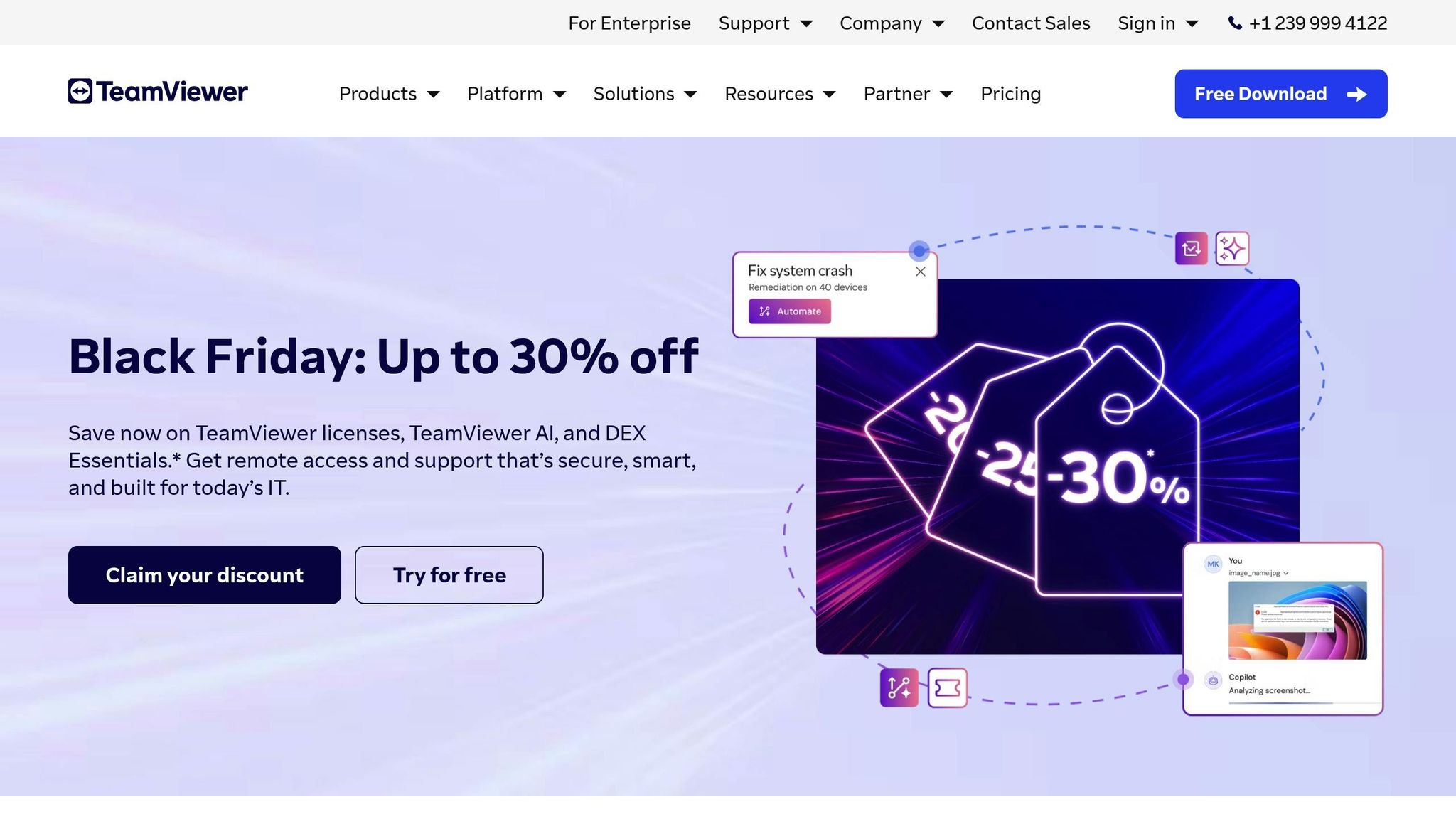
Great for diverse device environments.
TeamViewer Remote is built for IT teams managing mixed environments, including Windows, macOS, Linux, Android, iOS, and even IoT devices. It supports remote printing, file transfers, mobile device access, wake-on-LAN, and browser-based sessions that don’t require full client installation.
With a G2 rating around 4.4 out of 5, users appreciate its reliability and compatibility but often note rising costs. Business plans start at approximately $24/month, with pricing tied to users, devices, or concurrent connections. Careful review of pricing tiers is recommended, as costs can climb for larger teams.
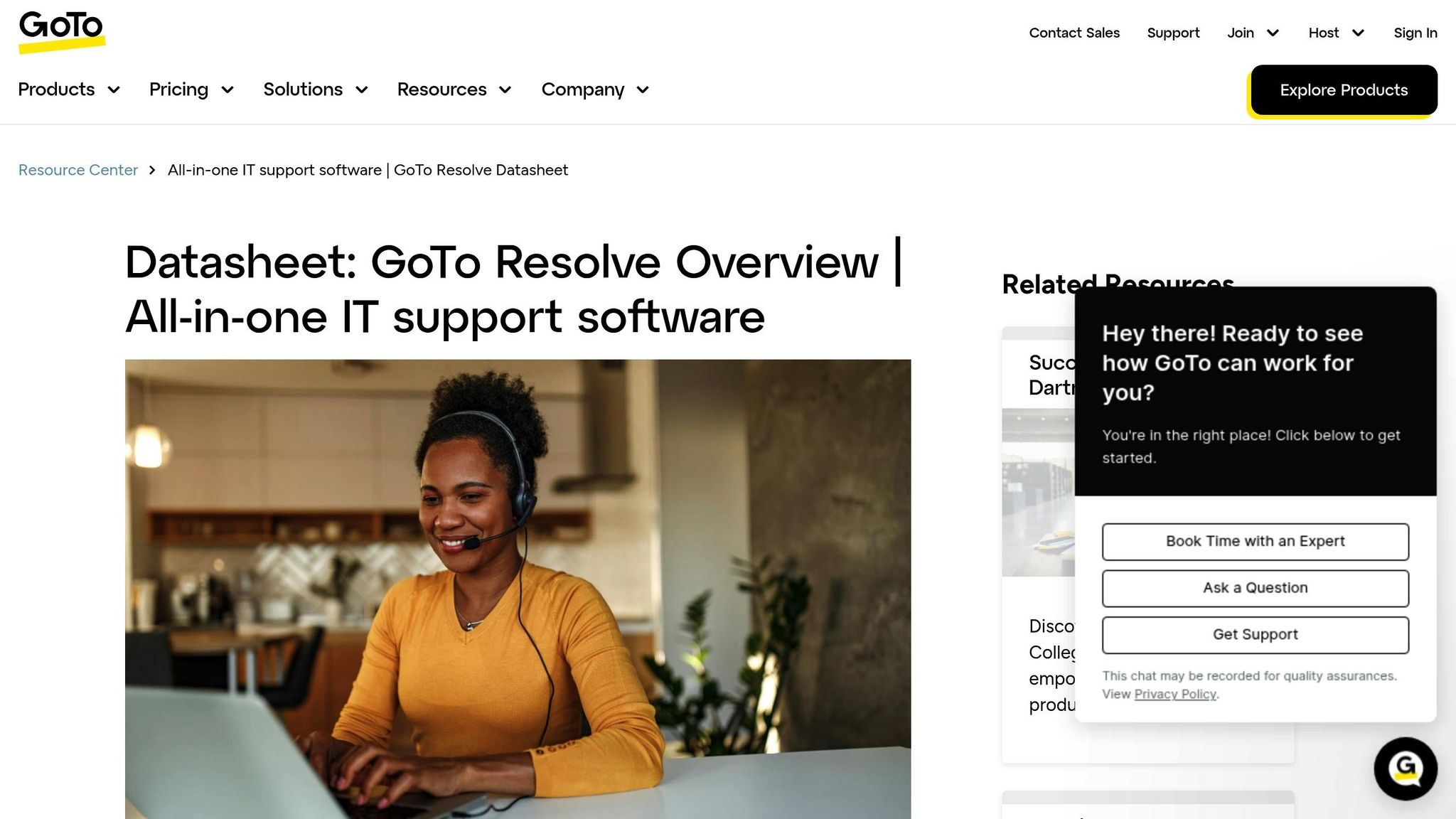
5. GoTo Resolve
Perfect for SMBs needing a combined troubleshooting and remote access tool.
GoTo Resolve blends remote support with lightweight ticketing, automation, and background actions, making it an excellent choice for small to mid-sized businesses. IT teams can manage support tickets, run scripts, and fix issues without always requiring interactive sessions. Features include unattended support, file transfers, remote terminal access, and patch management.
Pricing is per agent per month, with bundles available for remote support, monitoring, and ticketing. Entry-level plans cater to smaller teams, with costs scaling as ticket volume or device counts grow. Current pricing should be checked directly on the GoTo website.
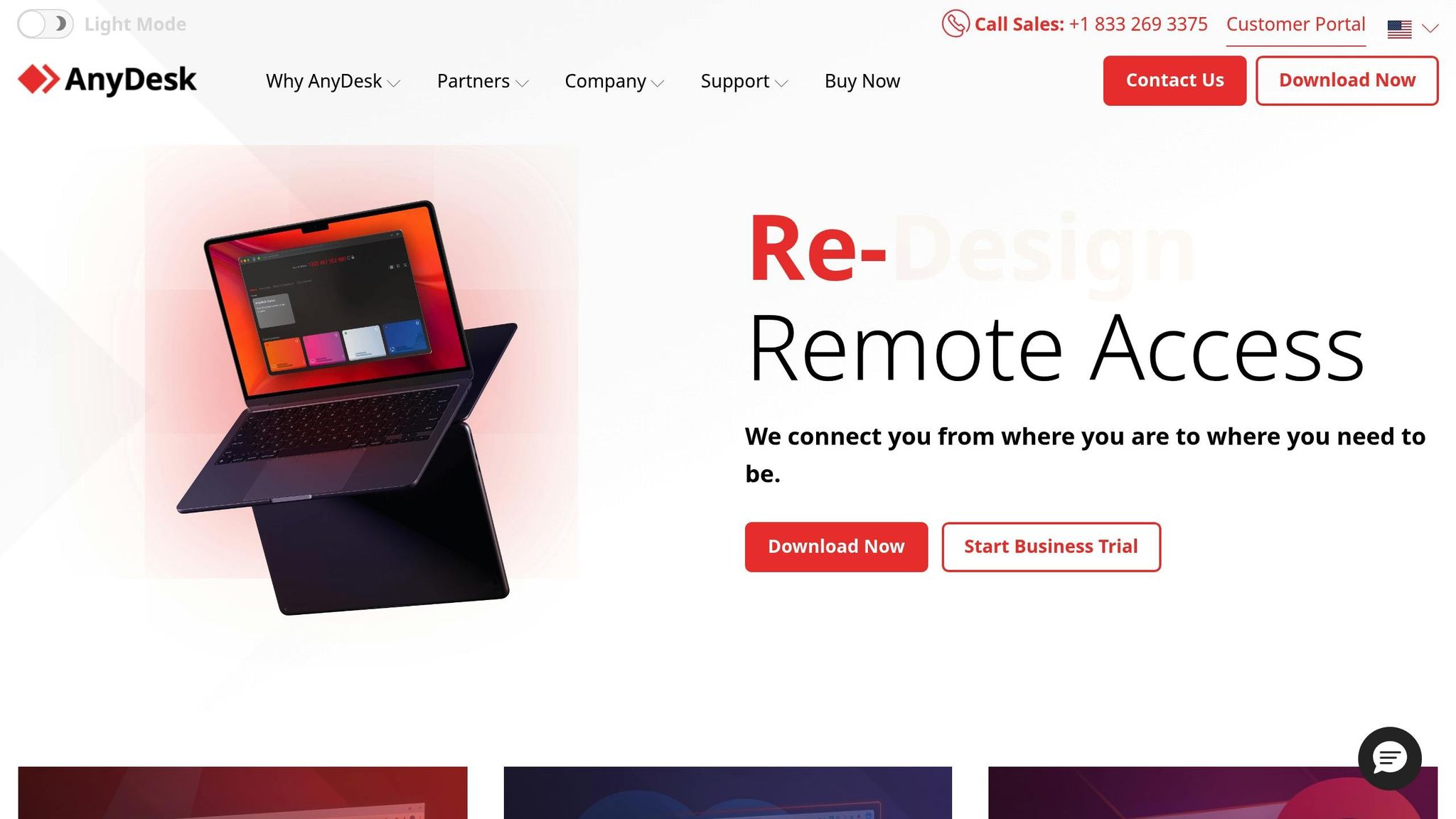
6. AnyDesk
Best for low-latency support on limited bandwidth.
AnyDesk is known for its smooth performance over low-bandwidth or unstable connections, making it ideal for remote workers on home Wi-Fi or mobile hotspots. It offers unattended support, session recording, clipboard sharing, and TLS encryption for secure connections. Its lightweight client ensures quick deployment with minimal system impact.
Commercial licenses are tiered by seat and feature set, with options for single-user, multi-seat, and enterprise plans. Pricing is competitive for smaller IT teams or freelancers, though exact figures vary. A free version is available for personal use, but businesses require paid licenses.
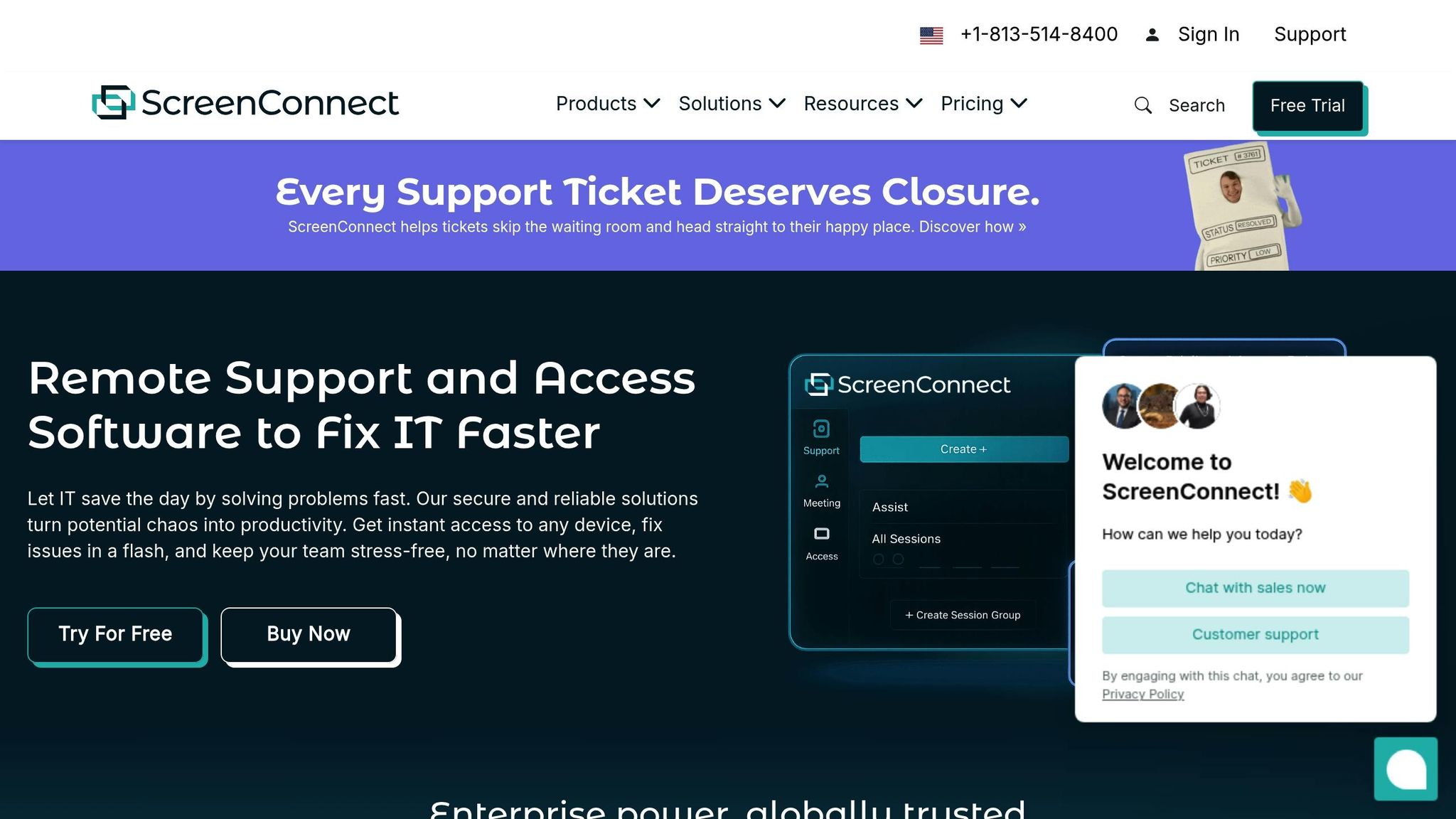
7. ConnectWise ScreenConnect
Top choice for MSPs and internal IT teams.
ConnectWise ScreenConnect (or ConnectWise Control) is a favorite among managed service providers (MSPs) due to its scalability, scripting capabilities, and customizable branding. It supports unattended access for large endpoint fleets, advanced permissions, and integrations with PSA, RMM, and ticketing systems.
Pricing is based on concurrent technicians or agents, with separate plans for remote support and access. Both cloud-hosted and self-hosted options are available, offering flexibility for different infrastructure needs. While pricing is often quote-based, many reviews highlight its cost-effectiveness for MSPs.
When selecting a platform, focus on two or three that align with your specific needs - whether you’re managing a large device fleet, supporting a mixed environment, or prioritizing security. Run trial periods of two to four weeks to evaluate performance, integration, and automation capabilities. Metrics like mean time to resolution and reduced on-site visits can help quantify the value these tools bring to your organization.
Feature and Pricing Comparison
Finding the right software for your team's workflow means weighing features and costs carefully. Different tools cater to various needs, from basic remote access to advanced diagnostics, automation, and security. Some are ideal for small teams with straightforward requirements, while others are built to handle enterprise-level demands across multiple operating systems.
Feature Comparison
The depth of diagnostic tools and automation capabilities often distinguishes basic remote access solutions from those designed for full-scale troubleshooting. Scalefusion Remote Cast and Control, for example, offers detailed hardware and software data, along with remote scripting. This lets IT teams automate routine fixes across large device fleets - a massive advantage for industries like logistics, retail, or field services, where manual fixes aren't feasible.
Splashtop shines with its ability to reboot systems into Safe Mode remotely, tackling driver conflicts and malware issues without needing on-site intervention. It also includes a software VPN for secure workstation access, making it particularly appealing for healthcare and education sectors. With a G2 rating of 4.8 out of 5 and TrustRadius' Top Rated Award in its category, it's a proven choice.
ConnectWise ScreenConnect goes a step further with a camera-sharing extension, enabling technicians to visually inspect hardware issues through a user's device camera. This feature is invaluable for managed service providers (MSPs) handling on-site problems like cable checks or damaged ports. Additionally, its custom scripting capabilities make it scalable for larger operations.
Security is another key differentiator. BeyondTrust Remote Support caters to enterprises in regulated industries such as finance and healthcare. It offers advanced features like role-based access control, detailed session logging with video audits, and robust authentication methods such as single sign-on (SSO) and multi-factor authentication (MFA). Its G2 rating of 4.7 out of 5 reflects its strong reputation among enterprise users. Meanwhile, AnyDesk uses TLS encryption and supports MFA, though its security features aren't as extensive as BeyondTrust's.
Integration with IT service management (ITSM) platforms is also worth considering. Scalefusion, for example, integrates seamlessly with Jira and Freshservice, allowing technicians to handle support tickets and remote sessions from a single interface.
Feature | Scalefusion Remote Cast and Control | Splashtop | BeyondTrust Remote Support | TeamViewer Remote | GoTo Resolve | AnyDesk | ConnectWise ScreenConnect |
|---|---|---|---|---|---|---|---|
Unattended Access | Yes | Yes (Pro+) | Yes | Yes | Yes | Yes (Pro+) | Yes |
Multi-OS Support | Windows, macOS, Android, iOS | Windows, macOS, Linux, ChromeOS, iOS, Android | Windows, macOS, Linux, iOS, Android | Windows, macOS, Linux, iOS, Android, ChromeOS | Windows, macOS, Linux, iOS, Android | Windows, macOS, Linux, iOS, Android | Windows, macOS, Linux, iOS, Android |
Scripting/Automation | Remote scripts | PowerShell, batch | Automation workflows | Scripts, workflows | Automation rules | Scripts | Custom scripts, workflows |
ITSM Integrations | Jira, Freshservice | ServiceNow, Jira, Zendesk | ServiceNow, Jira | ServiceNow, Jira | Built-in ticketing | Limited (API) | ServiceNow, Jira, Freshservice |
Security Features | MFA, RBAC, session recording | MFA, 2FA, session recording, SSO | MFA, RBAC, session recording, SSO | MFA, RBAC, session recording, SSO | MFA, RBAC, session recording | TLS encryption, MFA | MFA, RBAC, session recording, SSO |
Best For | Security-focused IT, UEM | SMBs, healthcare, education | Enterprises, regulated industries | General IT, broad compatibility | IT teams needing real-time monitoring | Simple, fast remote access | MSPs, large enterprises, complex environments |
Once you've identified the features you need, it's time to consider how pricing and scalability fit into the picture.
Pricing and Scalability
Pricing structures generally fall into two categories: per-device or per-technician. Splashtop, for instance, offers a budget-friendly option at around $3 per device per month (billed annually), with minimal seat requirements (1–5 devices). This makes it accessible for small businesses while still scalable for mid-sized organizations.
TeamViewer Remote uses a per-technician model, starting at about $24 per month per technician. While it performs well across multiple operating systems, some users have noted that recent price hikes warrant a closer look at its pricing tiers. Its G2 rating of 4.4 out of 5 highlights its reliability.
AnyDesk is another cost-effective choice for smaller teams, with Pro plans priced around $10–$12 per technician per month. While a free version exists for personal use, businesses need paid licenses for features like unattended support and session recording.
For enterprise-focused solutions, BeyondTrust Remote Support and ConnectWise ScreenConnect offer quote-based pricing tailored to specific needs. BeyondTrust's pricing reflects its robust security features, making it a go-to for regulated industries. ConnectWise, on the other hand, caters to MSPs with scalable plans based on the number of endpoints and technicians.
GoTo Resolve provides flexibility with tiered plans, offering both per-technician and per-device options. Pricing typically falls between $20 and $30 per month per technician, with built-in ticketing and monitoring features adding value for IT teams.
Finally, Scalefusion Remote Cast and Control is bundled with unified endpoint management (UEM) services. Pricing is customized based on device count and required features, making it a strong choice for mid-sized to large organizations looking to combine remote troubleshooting with device management.
Tool | Pricing Model | Starting Price | Minimum Seats/Devices | Scalability Notes |
|---|---|---|---|---|
Scalefusion | Bundled with UEM; per-device or per-technician | Quote-based | Varies by UEM plan | Scales well with UEM; ideal for mid-sized to large orgs |
Splashtop | Per device (annual billing) | ~$3/device/month | Low (1–5 devices) | Excellent for SMBs; scales to mid-market |
BeyondTrust | Quote-based, often per technician | Quote-based | Custom (often 5+ techs) | Designed for large enterprises and regulated sectors |
TeamViewer | Per technician (subscription) | ~$24/technician/month | Usually 1–3 techs | Scales to large enterprises; higher cost at scale |
GoTo Resolve | Per technician or per device | ~$20–$30/technician/month | 1–5 techs | Good for IT teams; scales with ticket volume |
AnyDesk | Per technician (subscription) | ~$10–$12/technician/month | 1–3 techs | Cost-effective for small teams; scales to mid-size |
ConnectWise | Per technician (MSP-focused; quote-based) | Quote-based | Often 5+ techs | Highly scalable for MSPs and large enterprises |
Conclusion
Choosing the right remote troubleshooting software in 20256 comes down to aligning the tool with your organization’s size, complexity, and priorities. SMBs often benefit from simple, cost-effective options like Splashtop or AnyDesk, while mid-sized teams may need automation and ITSM integrations from platforms like Scalefusion or GoTo Resolve. Enterprises in regulated industries typically require the advanced security and compliance features offered by BeyondTrust or ConnectWise ScreenConnect.
Security is now a baseline requirement, with MFA, role-based access, and session logging considered essential. Tools that integrate with platforms like Jira or ServiceNow can further improve efficiency by reducing IT bottlenecks and streamlining workflows.
Automation features such as scripting and unattended access help teams move from reactive support to proactive maintenance, reducing costs and improving uptime. Since every organization has different needs, the best choice is one that fits your core use case and can grow with your environment.
If internal resources are limited, partnering with a managed IT provider can extend these capabilities into a more comprehensive support strategy. Before committing, use free trials to evaluate performance and focus on long-term value, including reduced downtime and faster resolution times.
FAQs
What key security features should you look for in remote troubleshooting software in 2026?
When choosing remote troubleshooting software, security must be at the forefront to safeguard sensitive data and systems. Prioritize tools that offer end-to-end encryption to keep communications secure, multi-factor authentication (MFA) for verifying user access, and role-based permissions to ensure only authorized individuals can access specific tools or information.
It's also essential to select software with audit logs to monitor activity and real-time threat detection to quickly spot and address any vulnerabilities. These features not only protect your systems but also ensure troubleshooting remains both secure and efficient.
What are the common pricing models for remote troubleshooting software, and how can businesses evaluate their costs effectively?
When it comes to remote troubleshooting software, pricing typically falls into a few familiar categories: subscription-based plans, pay-per-use options, or tiered pricing.
Subscription plans involve a recurring fee, either monthly or annually.
Pay-per-use models charge based on how frequently the software is used, making them ideal for businesses with sporadic needs.
Tiered pricing offers packages designed for businesses of different sizes, with features and user limits scaling to fit small, medium, or large organizations.
To get the most value, businesses should assess their specific requirements. How many users will need access? What features are essential? How often will the software be used? Don’t overlook potential hidden costs, like setup fees or charges for premium support. Ultimately, the software should fit your budget and deliver measurable benefits, such as increased efficiency and less downtime.
What is the best remote troubleshooting software for small to mid-sized businesses using different operating systems?
When choosing remote troubleshooting software for small to mid-sized businesses, it’s essential to focus on what suits your specific needs. Prioritize tools that offer compatibility with multiple operating systems, including Windows, macOS, and Linux. Features like real-time diagnostics, secure remote access, and cross-platform functionality can help ensure smooth day-to-day operations.
It’s also wise to pick software with flexible pricing options that can grow alongside your business. Look for additional features such as automation, proactive monitoring, and cloud service integration to boost efficiency. For more hands-on IT support, services like Tech Kooks can be a valuable addition, offering expert advice and custom strategies tailored to your business goals.
Tools:
You might also like
BLOG POST
Top Remote Troubleshooting Software 2026
Compare leading remote troubleshooting tools in 2026—security, diagnostics, ease of use, pricing, and best use cases to find the right IT support solution.
BLOG POST
Top Metrics for Collaboration Tool Usage Analysis
Track the right collaboration tool metrics—user adoption, engagement, response times, system uptime, sentiment, and ROI—with benchmarks and implementation tips.
BLOG POST
How AI Enhances Escalation Management
Learn how AI revolutionizes escalation management by automating processes, enhancing efficiency, and improving customer satisfaction in IT support.



