Home
Blog
IT Downtime Calculator

by Techkooks
Published:
Understanding the Cost of IT Downtime for Your Business
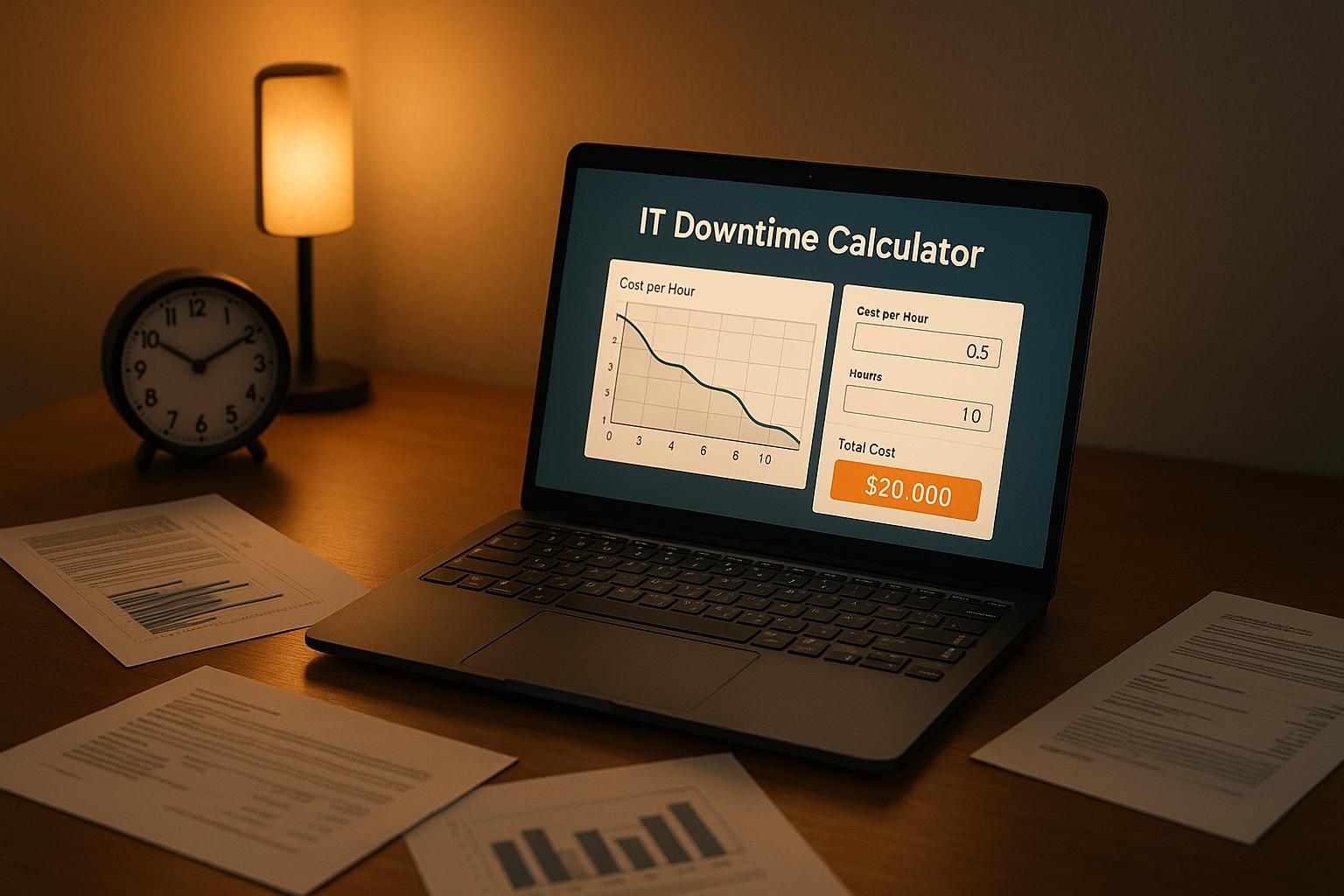
In today’s fast-paced digital world, even a short system outage can bring operations to a grinding halt. Businesses rely heavily on technology, and when systems fail, the financial ripple effects can be staggering. That’s where tools like an IT downtime cost estimator come into play. They help uncover the hidden expenses tied to lost revenue and idle staff, giving you a clearer view of what’s really at stake.
Why Calculating System Interruptions Matters
Every hour of downtime chips away at profits, whether it’s through missed sales or unproductive employees. Beyond the immediate losses, there’s also the risk of damaged customer trust and long-term reputational harm. By using a calculator to assess the impact of these disruptions, companies can better prioritize IT investments and disaster recovery plans. It’s not just about numbers—it’s about safeguarding your business’s future.
Taking Control of Operational Risks
Armed with data on outage costs, you’re in a stronger position to act. Maybe it’s time to upgrade aging hardware or train staff on prevention measures. Whatever the next step, knowing the financial toll of tech failures empowers smarter choices. Don’t let unexpected interruptions catch you off guard; start measuring their impact today.
FAQs
Why should I care about calculating IT downtime costs?
Great question! Downtime isn’t just an inconvenience—it’s a direct hit to your bottom line. When systems go down, you’re losing revenue every hour, and your team can’t work efficiently, costing you in wages for unproductive time. By calculating these losses, you get a clear picture of what’s at stake, which can help justify investments in better IT infrastructure or backup solutions. It’s all about knowing the numbers so you can protect your business.
How accurate is this IT Downtime Calculator?
We’ve built this tool to give you a solid estimate based on the numbers you provide. It uses a straightforward formula—combining hourly revenue loss and labor costs multiplied by downtime duration and frequency—to break down the financial impact. Of course, it’s only as accurate as the data you input, so try to use realistic figures. If you enter something off, like a negative number, we’ll flag it with an error message to keep things on track.
Can this tool help with planning IT upgrades?
Absolutely, that’s one of the best ways to use it! Once you see the hard numbers on what downtime is costing you, it becomes a lot easier to make a case for upgrading systems or investing in redundancy. Whether you’re talking to stakeholders or just crunching numbers for yourself, having a clear cost breakdown can guide decisions on where to allocate budget for tech improvements. It’s a practical starting point for any IT strategy.
Tools:
<iframe loading="lazy" id="wrapifai-iframe" src="https://app.wrapifai.com/embed/0eaeca" width="100%" height="auto" frameborder="0" marginheight="0" marginwidth="0"></iframe><script src='https://app.wrapifai.com/embed/index.js'></script>
You might also like
BLOG POST
How Remote IT Support Scales with Business Growth
Cloud-based remote IT support uses automation, centralized management, and flexible pricing to scale performance, security, and costs as your business grows.
BLOG POST
Top Remote Troubleshooting Software 2025
Compare leading remote troubleshooting tools in 2025—security, diagnostics, ease of use, pricing, and best use cases to find the right IT support solution.
BLOG POST
How To Optimize Hybrid Cloud for Multi-Site Businesses
Guide to optimizing hybrid cloud for multi-site businesses: keep sensitive systems local, sync data efficiently, automate deployments, enforce security.