Home
Blog
Data Recovery Time Calculator

by Techkooks
Published:
Understanding Data Recovery Time: Plan Smarter with Our Tool
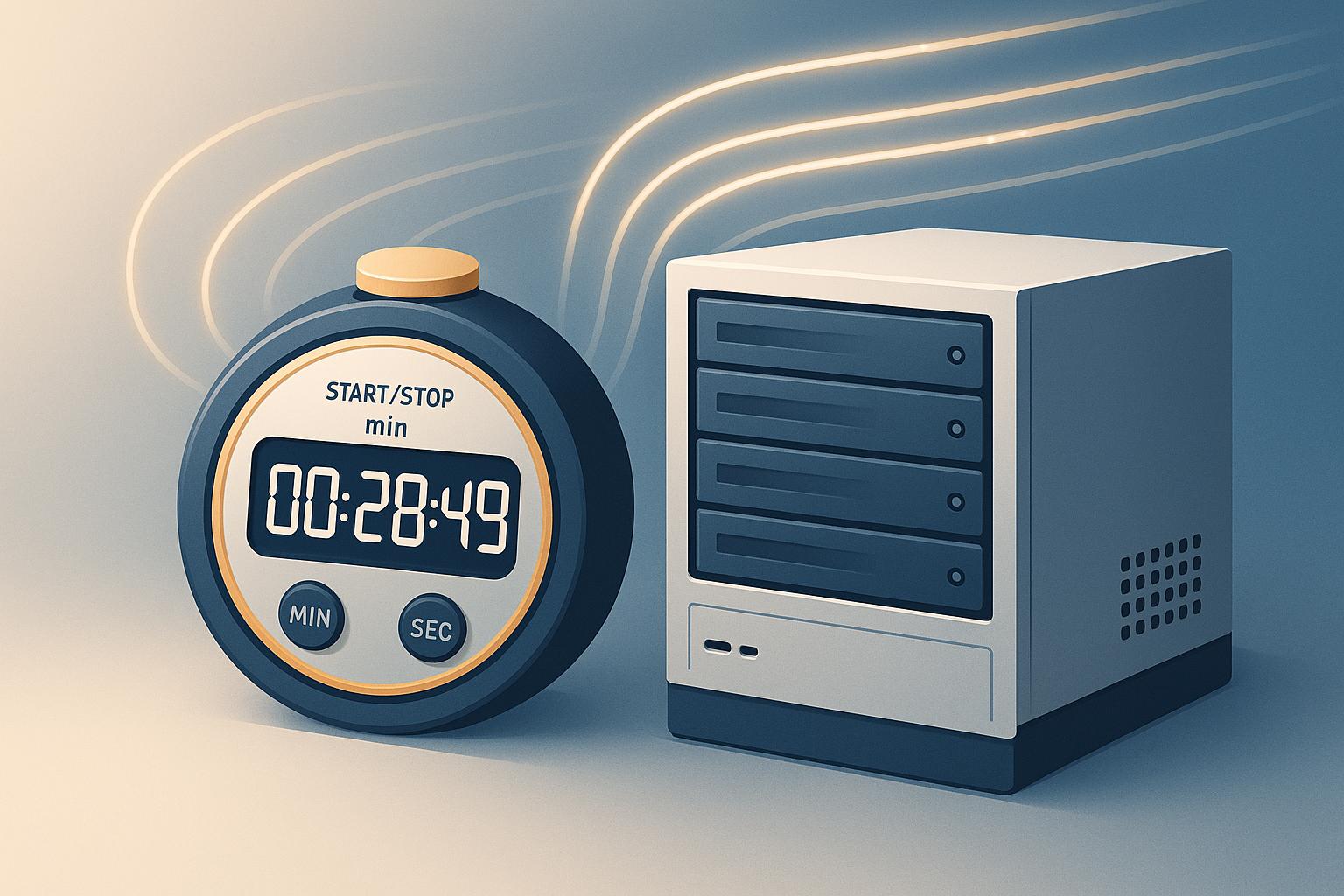
When a system failure strikes, every minute counts. Estimating how long it’ll take to restore your data can be the difference between a minor hiccup and a major disaster. That’s where a reliable data restoration estimator comes in handy—it gives you a clear picture of recovery duration based on factors like data volume and network speed.
Why Recovery Time Matters
For businesses, prolonged downtime can mean lost revenue, frustrated customers, or even reputational damage. Knowing the potential time to get back online helps IT teams and decision-makers prioritize resources. Whether you’re managing a small server or a sprawling enterprise system, having a rough timeline lets you communicate expectations and mitigate risks.
Beyond the Numbers
While tools like ours crunch the numbers for you, remember that preparation is key. Regular backups, robust hardware, and a solid disaster recovery plan can shrink that window of vulnerability. Bandwidth plays a huge role too—if your connection is slow, even a small data set can take ages to recover. Use this insight to evaluate your setup and make informed upgrades. Stay ahead of the curve, and don’t let data loss catch you off guard.
FAQs
How accurate is this data recovery time estimate?
Our calculator uses a straightforward formula—converting data size to bits and dividing by bandwidth to get hours—so it’s pretty reliable for a baseline estimate. That said, real-world factors like network congestion or hardware limitations can slow things down. Think of this as a starting point to help with planning, and always test your recovery process if possible.
Why does backup frequency matter for recovery time?
Backup frequency affects how much data you might lose between backups. If you back up weekly and a failure happens just before the next backup, you could lose up to a week’s worth of data. Our tool factors this into the risk note, so you can weigh whether your current backup schedule aligns with your downtime tolerance.
What if my downtime tolerance is very low?
If your business can’t handle much downtime, a low tolerance means you’ll need faster recovery options or more frequent backups. Our tool will flag this as a high-risk scenario if the estimated recovery time exceeds your limit. It’s a nudge to consider upgrading bandwidth or rethinking your disaster recovery plan.
Tools:
<iframe loading="lazy" id="wrapifai-iframe" src="https://app.wrapifai.com/embed/6401a5" width="100%" height="auto" frameborder="0" marginheight="0" marginwidth="0"></iframe><script src='https://app.wrapifai.com/embed/index.js'></script>
You might also like
BLOG POST
How Remote IT Support Scales with Business Growth
Cloud-based remote IT support uses automation, centralized management, and flexible pricing to scale performance, security, and costs as your business grows.
BLOG POST
Top Remote Troubleshooting Software 2025
Compare leading remote troubleshooting tools in 2025—security, diagnostics, ease of use, pricing, and best use cases to find the right IT support solution.
BLOG POST
How To Optimize Hybrid Cloud for Multi-Site Businesses
Guide to optimizing hybrid cloud for multi-site businesses: keep sensitive systems local, sync data efficiently, automate deployments, enforce security.